AI-Powered Image Editing: Professional Results, Effortlessly Simple.
Save hours and eliminate design complexity. Remove backgrounds, upscale, and fix or restyle photos with AI in seconds — for marketing, e-commerce, and personal projects.
No credit card required · 10 free credits to start
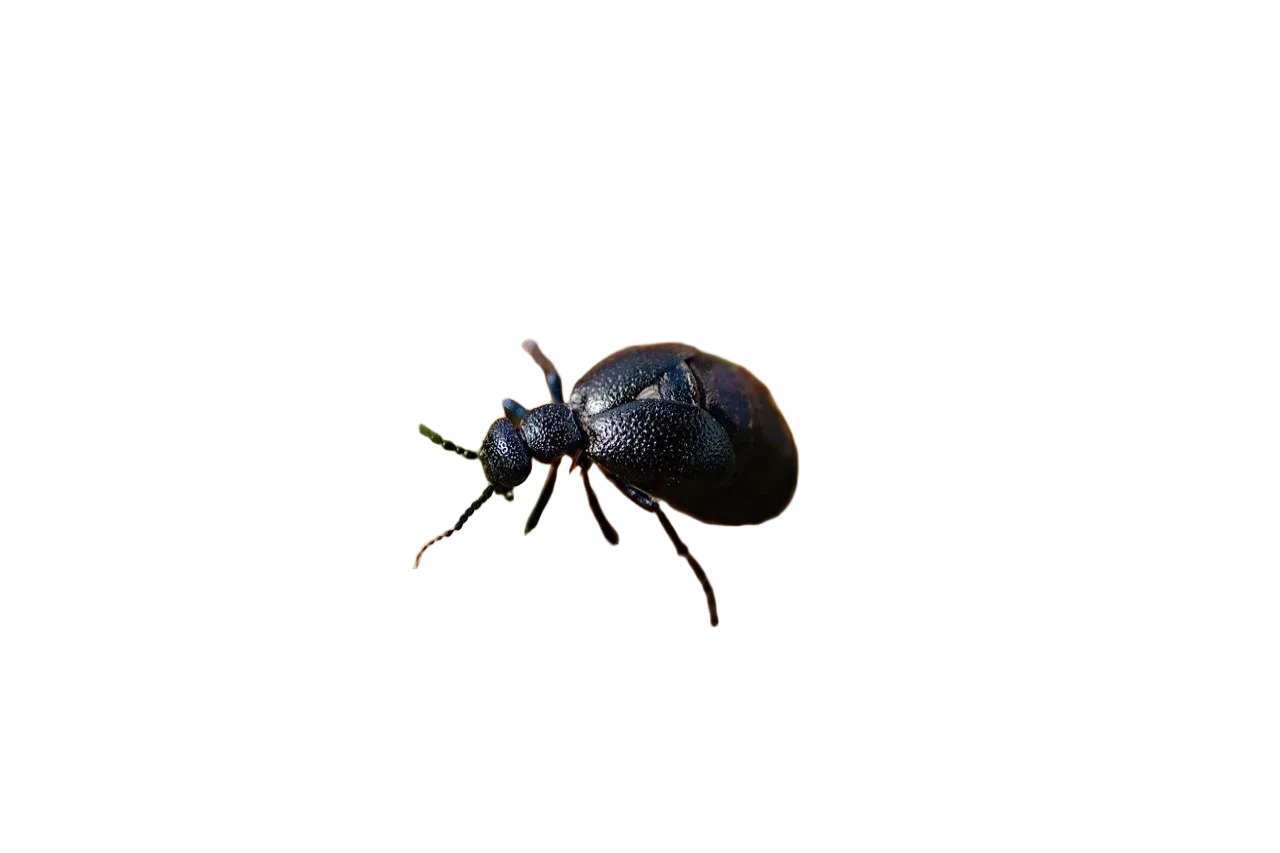
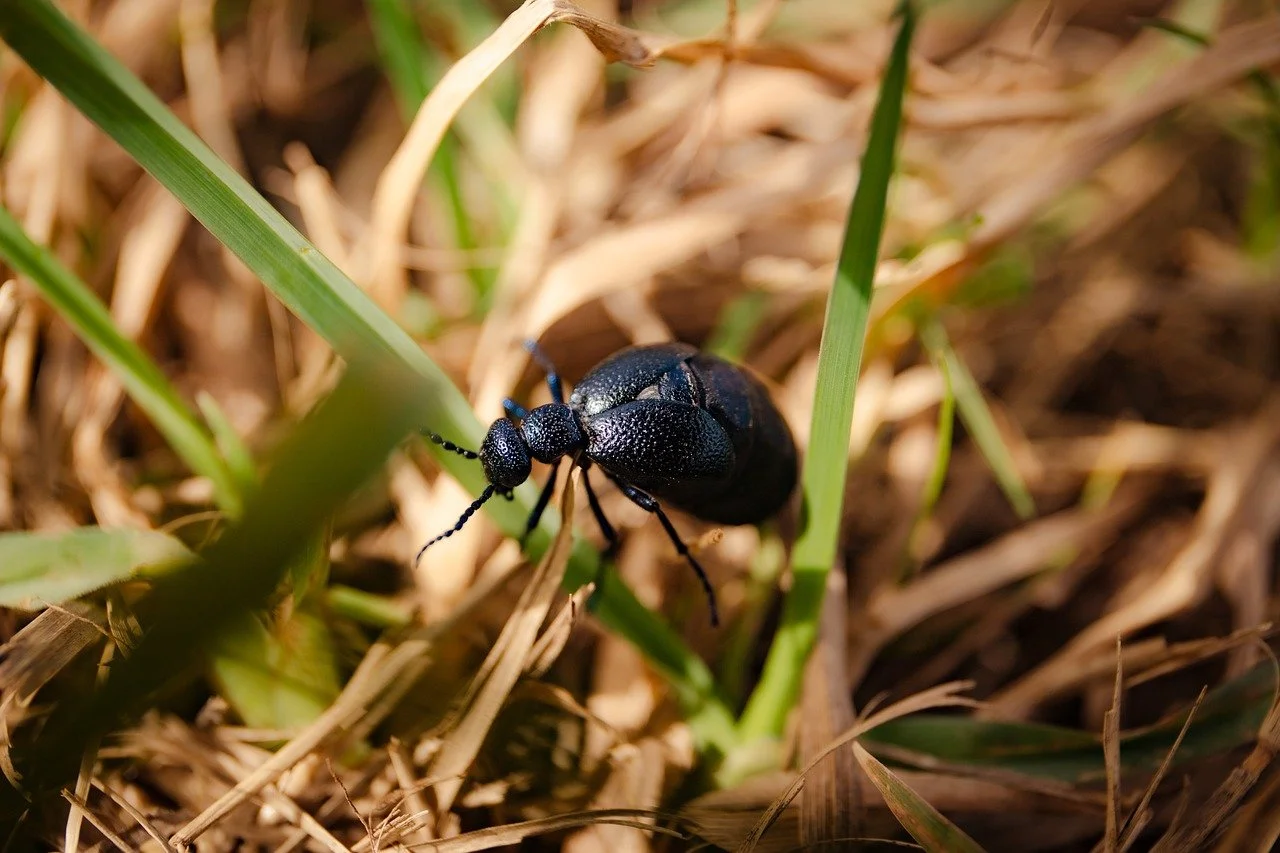
Change the color of one object and leave the rest of the photo alone.
Prompt Green bicycle exactly as it appears in the original image, keeping the same shape, proportions, color, lighting, and texture. No changes to the background or any other objects.


Flexible Pricing. Full Control
10 Free Credits for New Users. Enough for 2 Free AI Image Edits
- 20 Credits
- No Watermarks Get clear images
- AI Magic Fix 5 Credits
- Remove Background With AI 3 Credits
- Upscale With AI 2X (2 Credits) | 4x (4 Credits)
- Store images and process Images are never lost
- 55 Credits 10% More Value
- No Watermarks Get clear images
- AI Magic Fix 5 Credits
- Remove Background With AI 3 Credits
- Upscale With AI 2X (2 Credits) | 4x (4 Credits)
- Store images and process Images are never lost
- 180 Credits 20% More Value
- No Watermarks Get clear images
- AI Magic Fix 5 Credits
- Remove Background With AI 3 Credits
- Upscale With AI 2X (2 Credits) | 4x (4 Credits)
- Store images and process Images are never lost
AI-Powered Image Magic Fix
Change the color of one object and leave the rest of the photo alone.
Prompt Green bicycle exactly as it appears in the original image, keeping the same shape, proportions, color, lighting, and texture. No changes to the background or any other objects.
- Restore, edit, or enhance your image with AI. Highlight the area you want to change, then describe the desired result in your own words.
- Save Time on Manual Work Automate tedious image cleanup tasks that would normally take hours, without sacrificing quality.
- Creative Freedom Without Limits Effortlessly add, change, or redesign elements in a scene to match your creative vision—no need for manual retouching.
- Multiple Options To Choose From Choose which one fits you best.
AI-Powered Background Removal
- One-Click Background Removal No manual selection or Photoshop skills needed.
- High-Quality Results AI ensures precise edge detection for clean cutouts.
- Supports All Images Works with portraits, products, and complex backgrounds.
- Multiple Options To Choose From Choose which one fits you best.
AI-Powered Image Upscaling
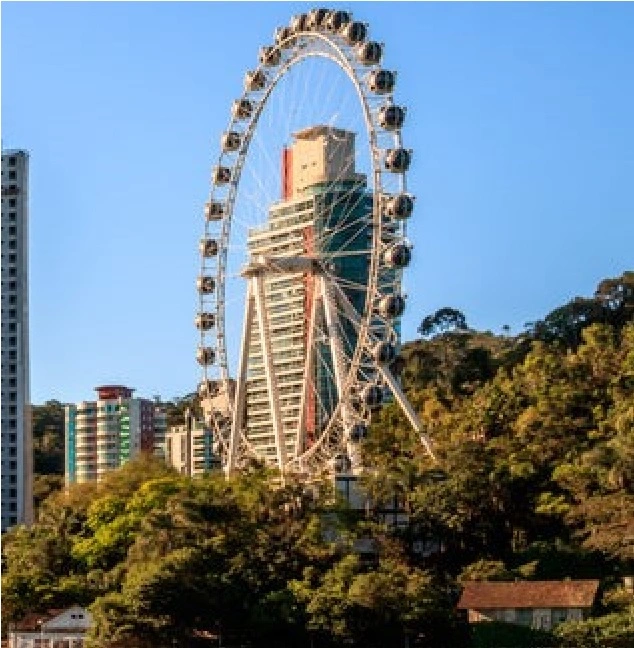
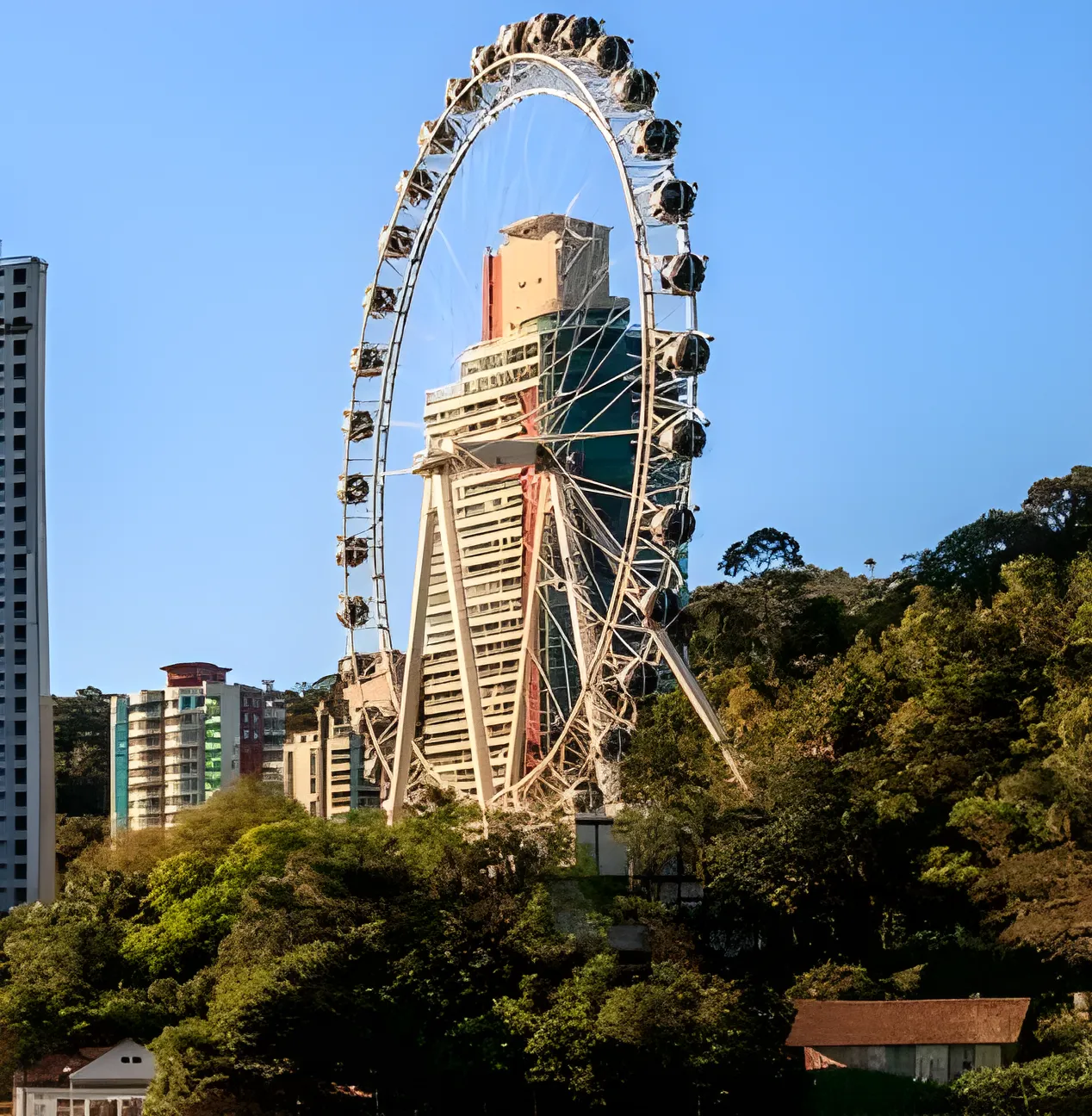
- Increase Image Resolution Up to 4x Perfect for enlarging images without losing sharpness.
- AI-Powered Enhancement Preserves details, reduces noise, and sharpens edges.
- Works on Any Image Photos, artwork, old images, and even low-res screenshots.
- No Photoshop Skills Needed One-click enhancement, fully automated.
Frequently Asked Questions
What is Perficture?
Perficture is an AI image-editing web app for background removal, upscaling, AI edits with text prompts, and Magic Fix (inpainting) — all in a single click.
Is Perficture free?
New users get 10 free credits, enough for 2 free AI image edits. Pricing is pay-as-you-go — you only pay for what you use.
How much does it cost?
Credits start at $2 for 20 credits. Background removal is 3 credits, upscaling 2–4 credits, and AI Edit / Magic Fix 5 credits each.
Do I need design skills?
No. Every tool is one-click or prompt-based, with no Photoshop or design experience required.
Start Processing Images With AI
Get started free — no credit card, no design skills, results in seconds.
Start now for free